setTitle
- Updated:
Sets the title displayed in association with the outlet your module is rendered into.
Description
The setTitle function takes a single string argument which is displayed in association with the outlet your module is rendered into. Generally, the title string will be displayed in the platform above your rendered module, but it is ultimately up to the platform's design. An extension should call setTitle immediately after connect and any time the content shown changes in a way that necessitates a title change.
Signature
tecton.actions.setTitle(title: string): void;Usage
Set the page title.
tecton.actions.setTitle('Account Details');Update title dynamically based on data.
tecton.actions.setTitle(`Transfer to ${recipientName}`);Remove the page title.
tecton.actions.setTitle('');Example
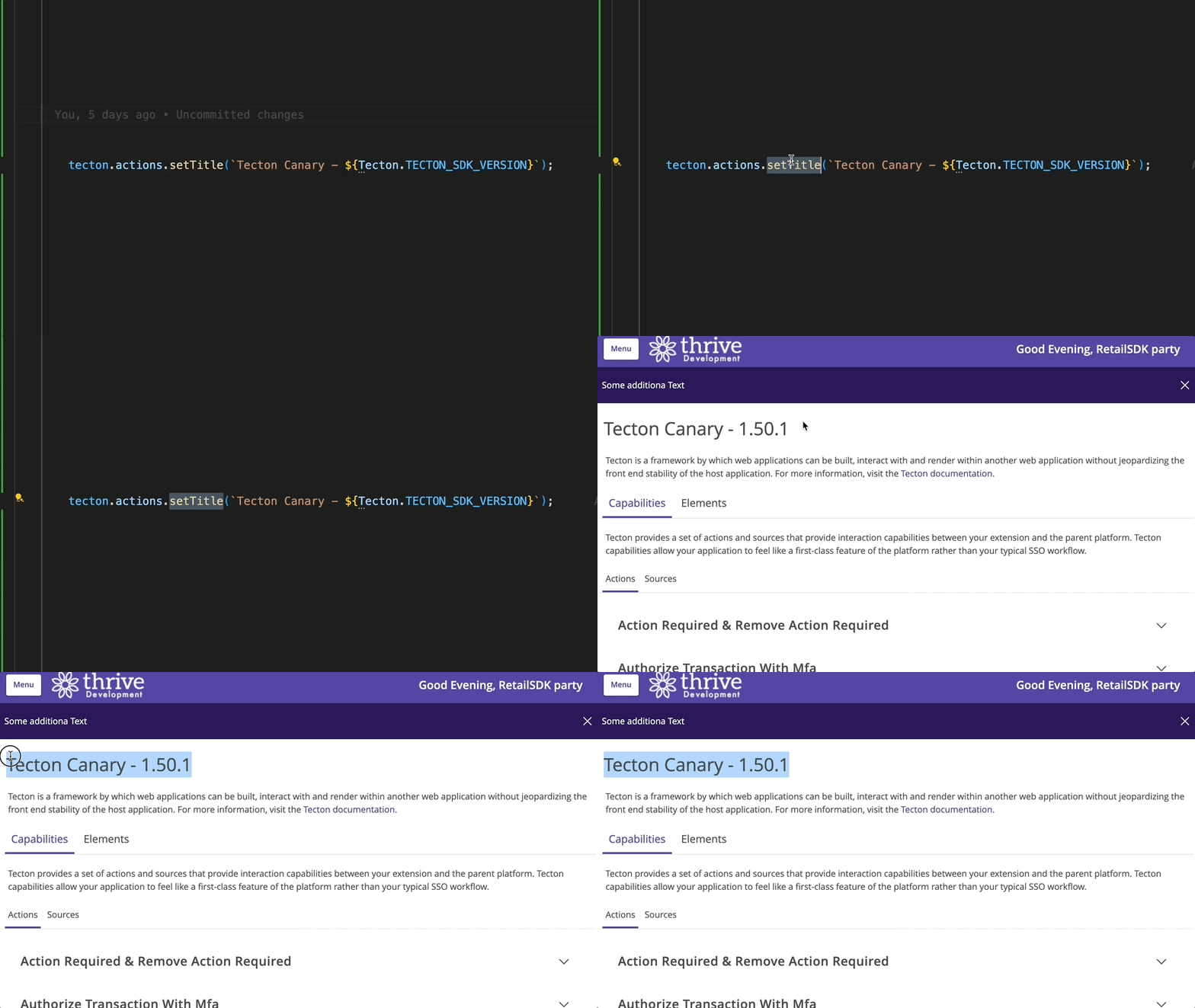
In this example, the setTitle method is used to generate a title for the page. The title is visible in the top-left corner of the page, just above the rendered extension.
Captured on UUX version 4.6.0.10A.
Parameters
title